The Transport Hub Dashboard is where all of your Voyage transport data can be collated and presented in a table format for quick viewing or for easy export to spreadsheets.
Go to: Reporting > Transport Hub
Important information about the Transport Hub display
|
|
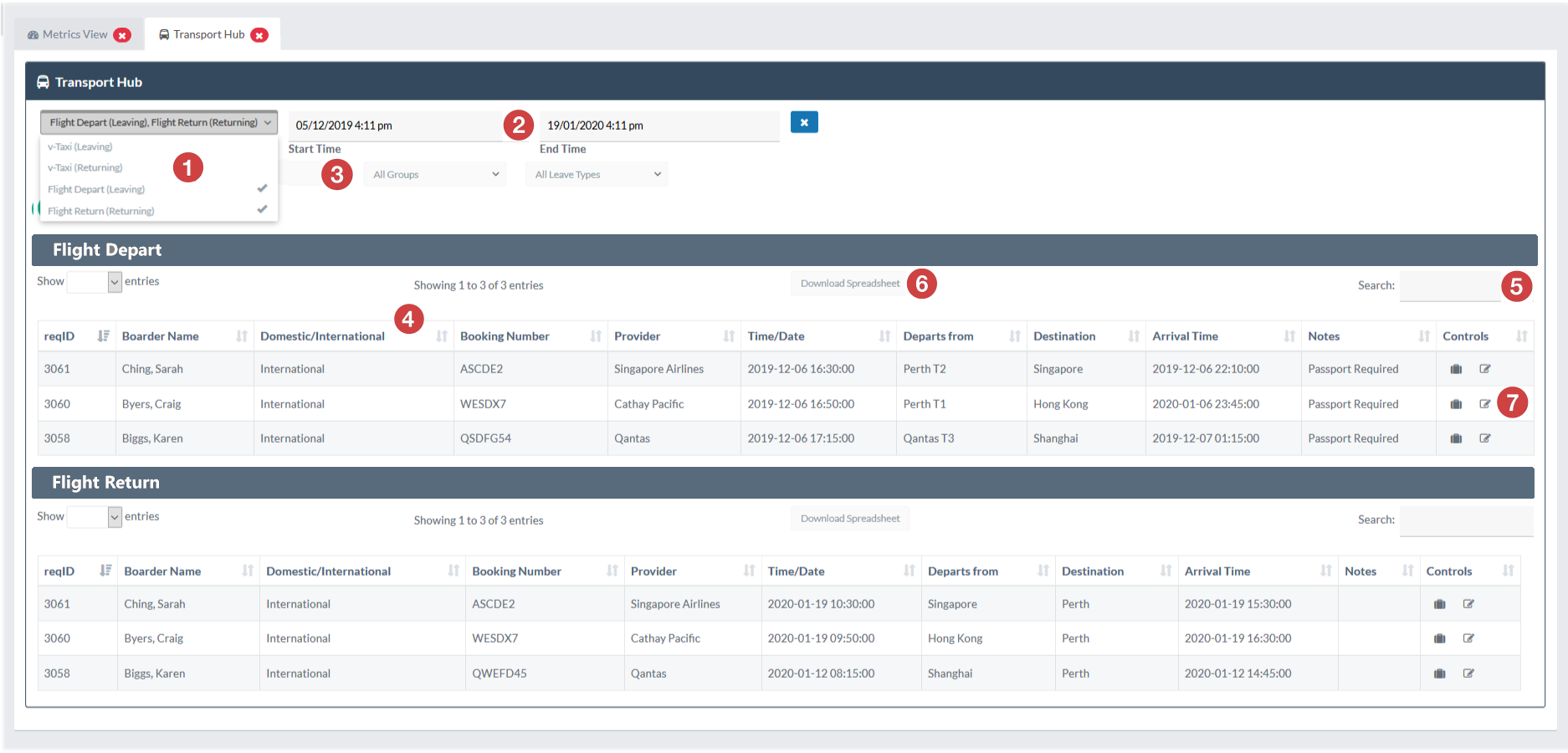
Each transport method and direction is presented as a separate data table but you can view multiple tables at any time by using the transport method selector. |
||
|
|
You can view your Transport Hub tables for any date range. Simply set the date range that you you want to display in the date range selectors. |
||
|
|
You can filter your view of student based on any of your primary lookup options including House/Dorm, Year/Grade, Student Groups or even by Leave Types. |
||
|
|
The fields that you have created for each of your Voyage Transport Type templates will be used as the column headings for the Transport Hub table view. Rank your transport table data by selecting whichever column you want to use as your ranking column. You can also rank y9our data by more than one column by holding the Shift key down and selecting a second or third column to rank your data by. |
||
|
|
Quick Search using to search bar for each transport table to quickly find any individual or other keyword that might be present in your data set. Start typing whatever keyword you want to search for and the search bar will begin to filter your data to match automatically. |
||
|
|
You can export your transport tables individually by using the Download Spreadsheet option for each table. Download will immediately push the transport table to a .csv file |
||
|
|
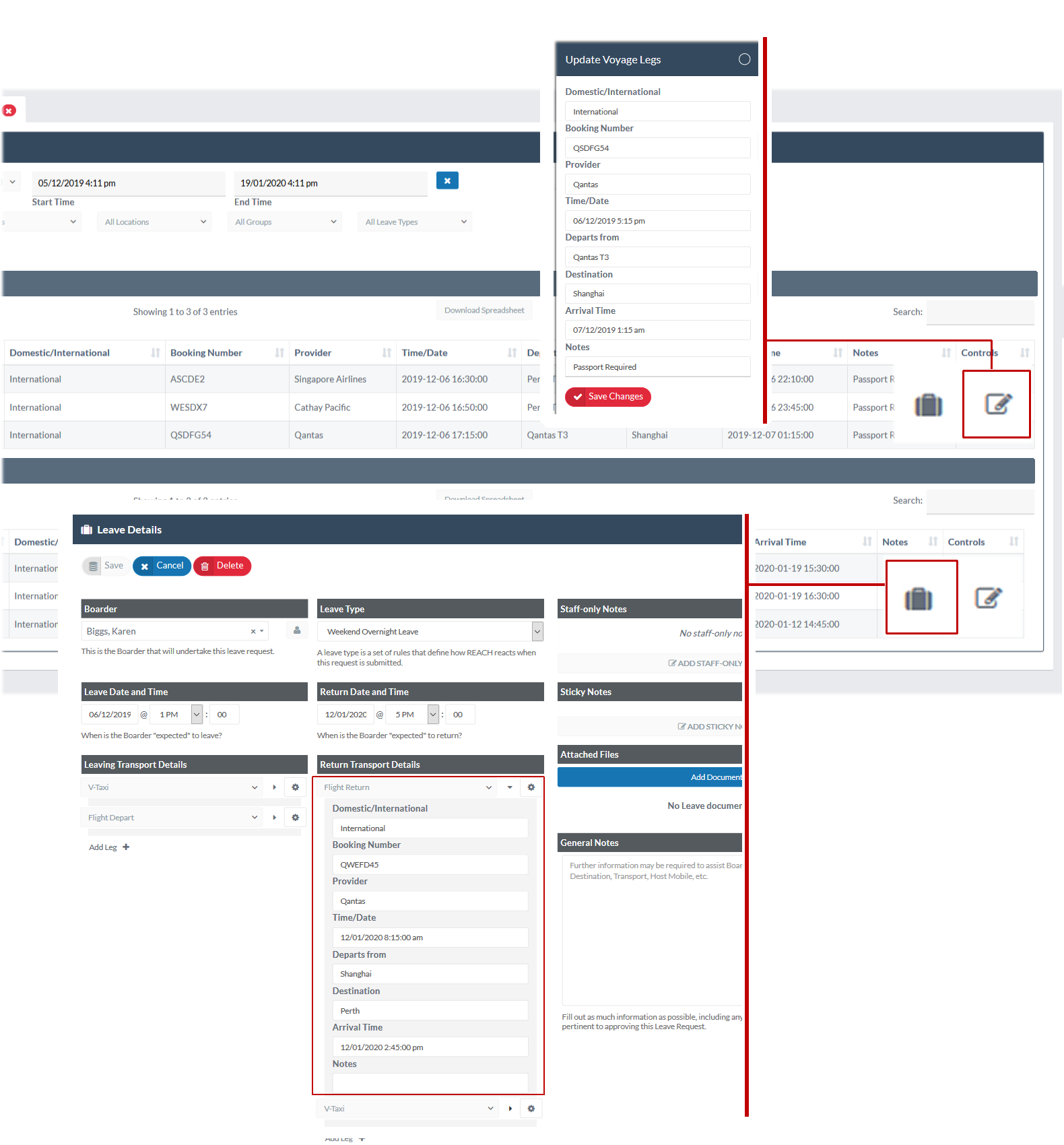
Quickly edit or manage each Voyage item using the Controls column which display icons that allow you to manage the Voyage data directly from your Transport Hub view. |
||
|
|
|
||